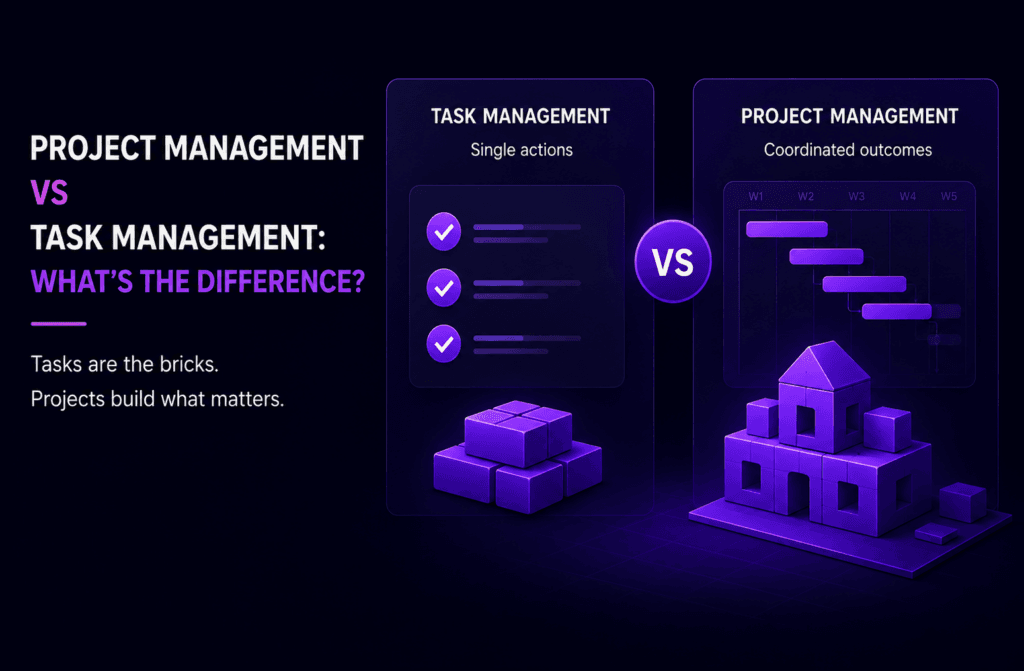
Project Management vs Task Management: What’s the Difference?

 Agency Management8 min read
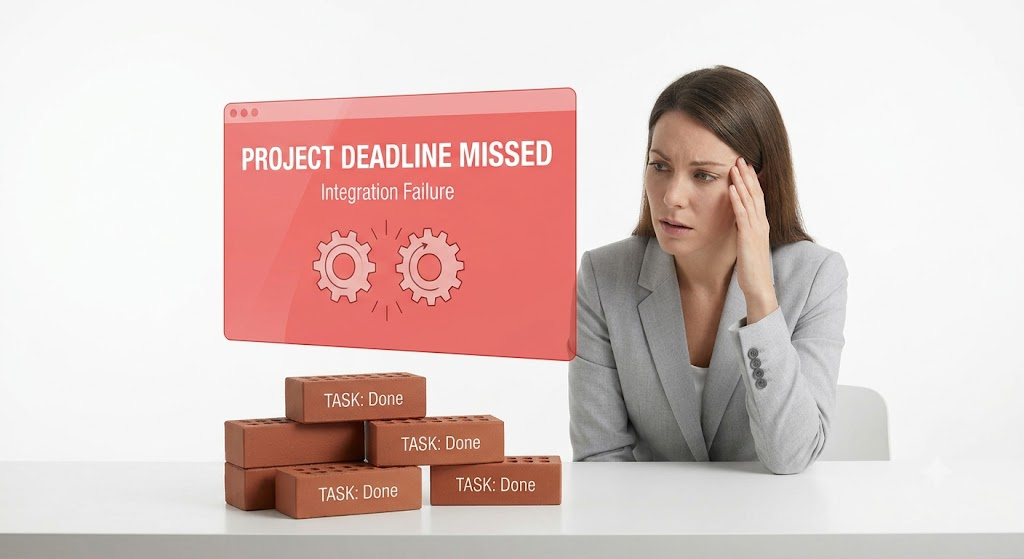
Your team ticks off every to-do on the list. Every task shows “done.” And yet the launch still slips by two weeks, because nobody noticed the design was waiting on copy that was waiting on a client sign-off that never got chased.
This happens more often than most teams admit. Everyone’s doing their bit, but nobody’s watching how the bits fit together. That gap is exactly where task management stops being enough on its own, and where project management has to step in.
This guide breaks down what actually separates the two, with real examples rather than textbook definitions, plus a quick way to work out which one your team genuinely needs right now.
What Is Task Management, Really?
Task management is the simple stuff, in the best sense of the word. It’s a single action, owned by one person, with one deadline, and no real dependency on anyone else’s work.
Think:
- Send the client invoice
- Proofread the homepage copy
- Reply to a supplier email
- Update the spreadsheet with last week’s figures
Each of those can start and finish without needing to check what anyone else is doing first. That’s the whole point of good task management: it keeps the small stuff visible, assigned, and moving, without needing a project plan behind it.
For a lot of work, that’s genuinely all that’s required. A solo consultant juggling five clients doesn’t need Gantt charts and milestone tracking. They need a clear list of what’s due today, and confidence that nothing’s slipping through.

What Is Project Management, Then?
Project management is what happens when several of those individual actions have to line up correctly, on time, in the right order, for something bigger to actually work.
Take a product launch. On its own, “write the press release” is a task. So is “design the landing page” and “brief the sales team.” But launch day only works if all three land at the right moment, in the right sequence, with the right people looped in along the way.
That’s the job project management does. It’s not really about the individual actions themselves; it’s about:
- Defining the overall scope of what “done” looks like
- Sequencing tasks based on what depends on what
- Setting milestones so everyone knows where things stand
- Keeping stakeholders aligned as priorities shift
A task can be completed perfectly, and the project can still fail, because nobody was watching whether it happened at the right time, relative to everything else moving around it.
See how Zynito approaches agency operations->
The Real Differences, Side by Side
Once you strip away the jargon, the gap between the two comes down to five things.
Scope
A task is one action. A project is a coordinated set of actions working toward one shared outcome. That’s the whole distinction in miniature; everything else below flows from it.
Timeline
Tasks tend to have a single deadline. Projects run across weeks or months, with milestones checkpointed along the way, not just one finish line at the end.
Ownership
One person typically owns a task. A project usually has several people, sometimes several teams, all contributing pieces that need to connect properly.
Planning effort
Tasks need barely any upfront planning; you just do them. Projects need genuine scoping before anyone starts: what’s in, what’s out, what order things happen in, and who’s accountable for what.
Dependencies and risk
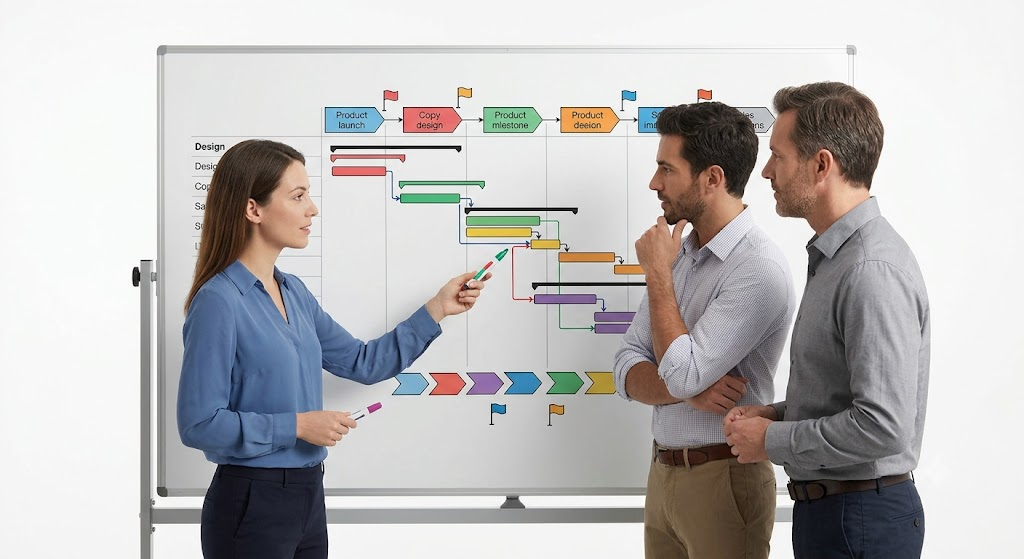
This is the one people underestimate most. Tasks are mostly independent of each other. Projects are full of dependencies, where one thing can’t start until another finishes, and a single delay ripples through everything downstream.
Task Management Is Inside Project Management, Not Separate From It
Here’s the bit that trips a lot of teams up: these aren’t two competing approaches you choose between. Task management sits inside project management, as one layer of it.
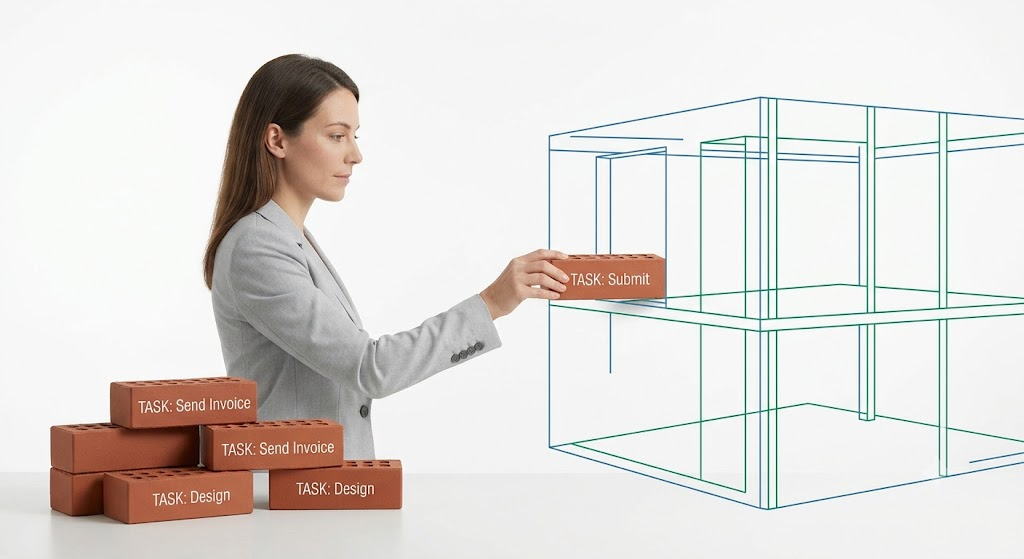
Picture bricks and a building. Bricks (tasks) are simple, individually manageable, and don’t need a blueprint to exist. But a building (the project) needs those bricks laid in a specific order, at specific points, with a plan behind the whole structure, or it doesn’t stand up.
Plenty of teams only ever need the bricks. If your work rarely involves more than one person handing something off to another, you may never need the “building” layer at all. But the moment your work starts depending on sequencing, other people, or a client watching progress, task management alone starts showing cracks.
Signs You Only Need Task Management
You’re probably fine with a simple task tracker if most of the following sound familiar:
- You work solo, or your team’s tasks rarely depend on each other
- Deadlines are short and self-contained, not spread across weeks
- Nobody outside your immediate team needs visibility into progress
- There’s no real budget or resourcing to track alongside the work
If that’s your situation, don’t overcomplicate things. A lightweight system that just keeps your to-dos visible and organised is genuinely the right call, not a compromise.
Signs You’ve Outgrown It
On the other hand, it’s probably time to think about proper project management if:
- Multiple people’s work depends on someone else finishing first
- You’re managing deliverables for clients who expect visibility into progress
- There’s a budget, timeline, or resourcing element that needs tracking alongside the tasks
- You’ve missed a deadline recently, not because a task was late, but because nobody noticed how two tasks were connected
This last one is worth sitting with. It’s the clearest signal there is. If individual tasks keep getting “done,” but the bigger thing they were supposed to add up to keeps slipping, that’s not a task problem. That’s a coordination gap.
Compare Zynito’s plans and features->
What to Actually Look For in the Software
This is where the terminology gets murkier, because plenty of tools market themselves loosely, and the line between “task management software” and a full project management tool isn’t always obvious from the homepage.
Genuine task management tools usually cover:
- A simple to-do list, with due dates and ownership
- Basic reminders and notifications
- Straightforward assignment between people
A proper project management tool adds a layer on top:
- Timelines and dependency mapping, so the sequence of work is visible
- Milestones separate from individual task deadlines
- Resourcing or capacity views, so you can see who’s overloaded
- Client-facing visibility, without needing a status call every week
Where Teams Get This Wrong
A few patterns show up again and again when teams choose the wrong layer for their actual needs.
Overcomplicating simple work. A three-person team with straightforward, independent tasks doesn’t need a heavyweight project management tool with Gantt charts and resourcing dashboards. That’s more setup and training than the work justifies.
Sticking with a basic list too long. The opposite mistake is just as common. Teams keep using a simple to-do app well past the point where dependencies, client visibility, or budget tracking actually matter, and only notice once something’s already gone wrong.
Assuming finished tasks mean a healthy project. This is the trap from the very start of this article. Every task can show green, and the project underneath can still be quietly falling apart, because task-level tracking doesn’t show you sequencing or dependency risk.
A Quick Way to Decide
Ask yourself three questions honestly:
- Does more than one person’s work depend on someone else finishing first? If yes, you need project-level coordination, not just task tracking.
- Does a client or stakeholder need visibility into progress, without asking you directly? If yes, task management alone won’t cover that.
- Is there a budget, timeline, or resource constraint tied to the work? If yes, you need something that tracks more than just “done” or “not done.”
One “yes” doesn’t necessarily mean you need to overhaul everything tomorrow. But two or three, and it’s worth looking at software that handles both layers together, rather than patching the gap with more spreadsheets.
See how Zynito’s pricing compares->
FAQs
- Is task management part of project management?
Yes. Task management is the smallest layer within project management: individual actions that together make up the greater coordinated effort. You can do task management without full project management, but you can’t do project management without it.
- What’s a simple example of the difference in practice?
Writing a single blog post is a task: you draft it, edit it, and publish it. Running a full content marketing campaign, with a dozen posts, social promotion, and email support, is a project, because it needs sequencing, multiple contributors, and a shared timeline.
- Do freelancers or solo workers need project management software?
Usually not. If your work doesn’t involve dependencies on other people or client-facing visibility, a straightforward task tracker is normally enough. Project management tools start earning their keep once coordination becomes the actual challenge.
- What happens if a team only manages tasks for something genuinely complex?
Individual pieces get done, but the connections between them get missed. Deadlines that quietly depend on each other slip without anyone noticing until it’s too late, because nothing was tracking how the work fit together, only whether each piece was finished.
- How do I know if my team has outgrown a basic task list?
Watch for a few signals: people are waiting on each other’s work more often, a client is asking for status updates you can’t answer quickly, or a deadline was missed even though every individual task looked fine on paper.
Ready to stop switching between a to-do app and a separate project tool?
Start a free Zynito trial and manage both task management and full client project work in one place. No credit card required. A free plan is available for 14 days, and then it’s $4.99 per seat per month.
Run your agency from one platform
Projects, client communication, and team chat together in Zynito.